

Manage invoices, bills, and all your accounting quickly and easily
Get started now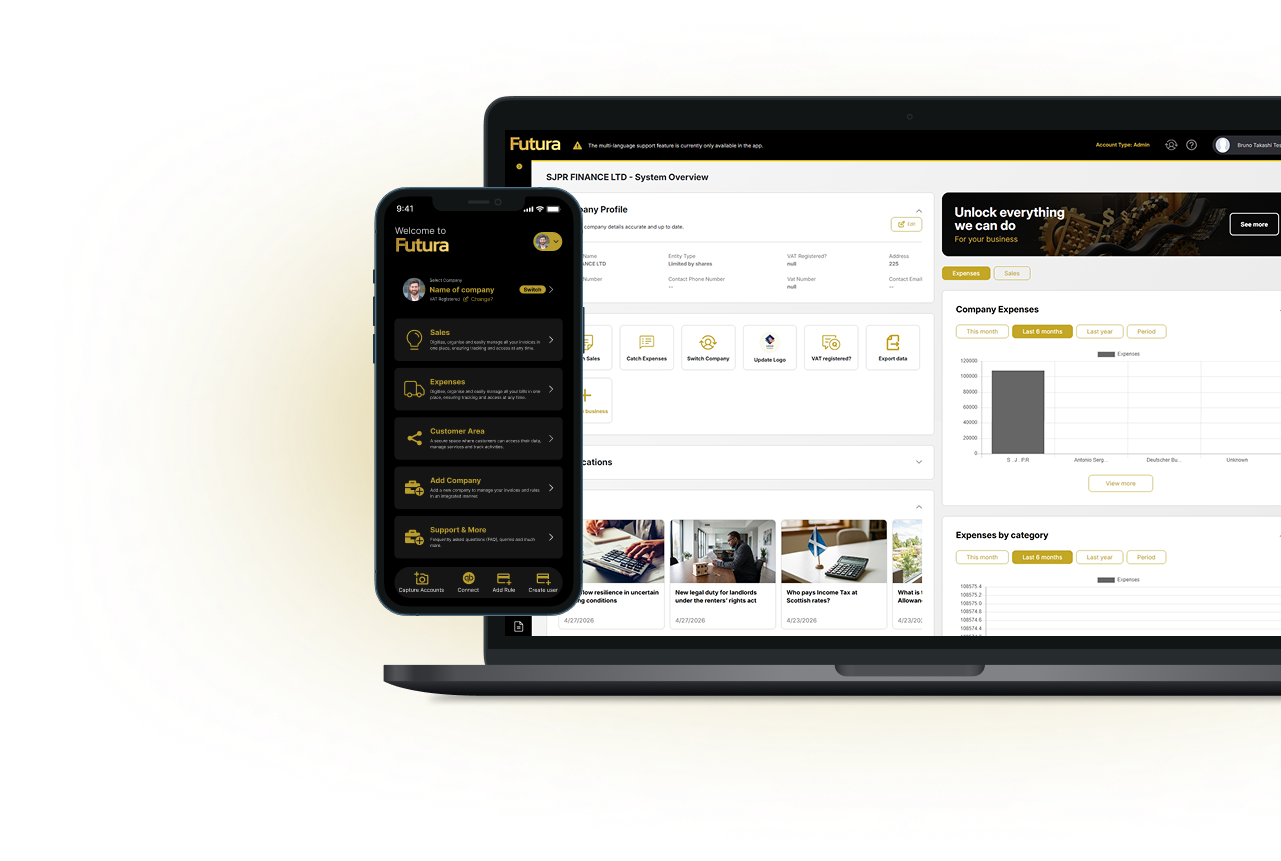
Capture or create your invoices and bills effortlessly — anytime, anywhere!
– Smart capture: Use your camera or gallery to scan invoices and bills. The app automatically extracts the invoice number, date, and amount.
– Quick creation: Generate professional invoices, bills, and quotes in just a few steps, with items, taxes, discounts, and payment terms.
– Cloud sync: Your documents are securely saved and synced, accessible from any device at any time.
– Full security: Financial data is encrypted and protected, ensuring complete privacy and peace of mind.
– Smart organisation: Invoices and bills are automatically categorised for easy search and management.
– Cross-platform: Available on mobile and desktop, with consistent performance across all devices
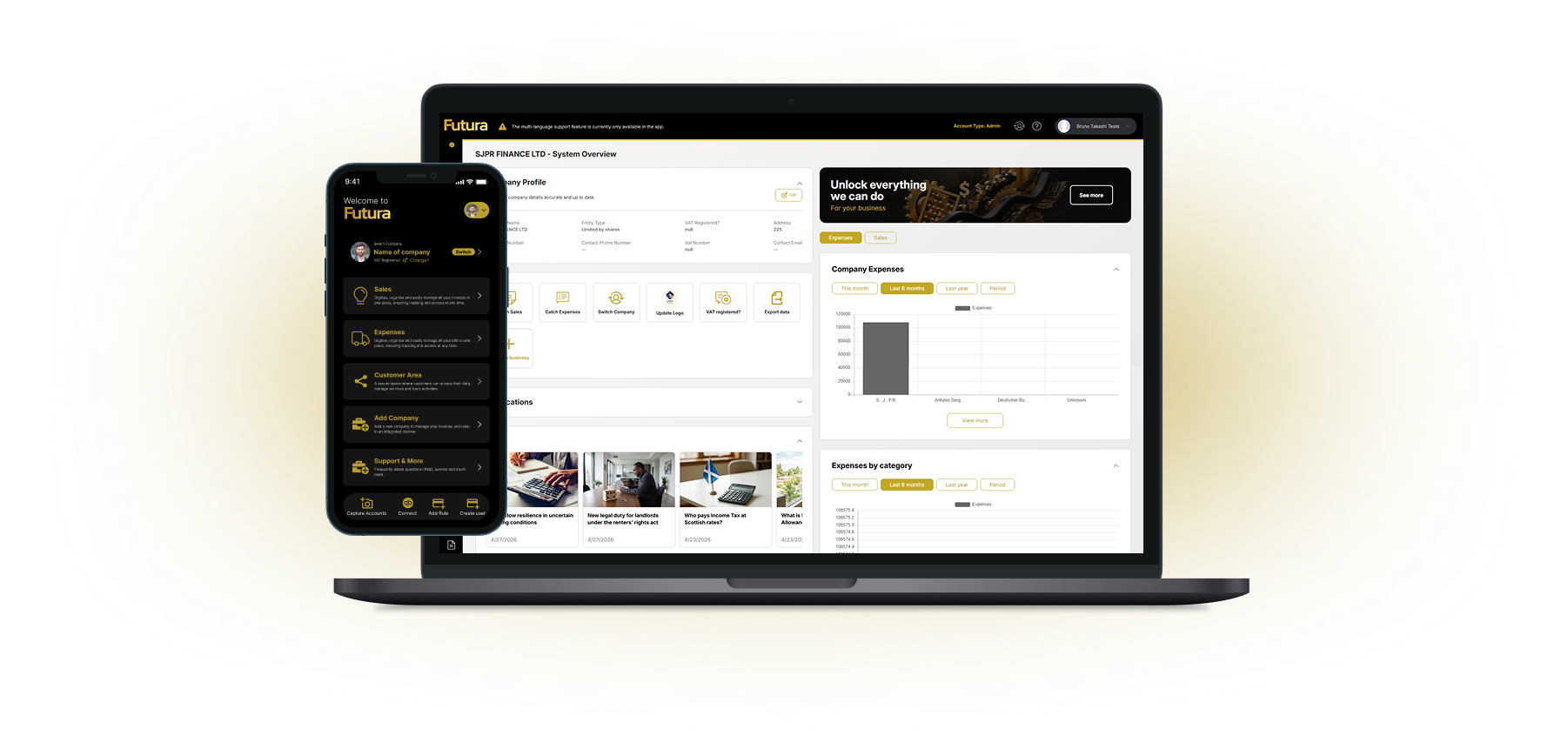
Futura is available for both desktop and mobile devices. This ensures you can access and manage your accounting anytime, anywhere, maintaining full control over your finances, whether at the office or on the go. Simplify your accounting with Futura and leverage technology for greater efficiency and convenience in your daily routine!
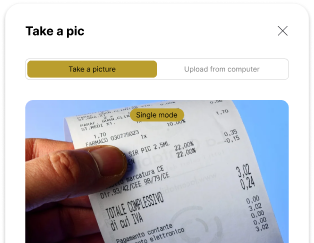
Never lose track of your expenses! With Catch a Bill, you can organize, record, and monitor all your bills with just a few clicks. Simply capture or upload your bill details, and the app will categorize and securely store everything for easy access.
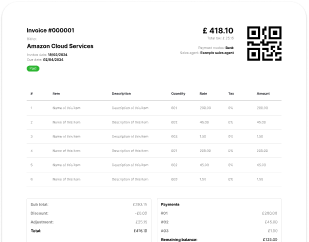
Manage your invoices effortlessly. The Catch Invoice feature allows you to issue, store, and track your invoices directly within the app. Whether you need to ensure tax compliance or streamline document management, this tool is perfect for individuals and businesses alike.
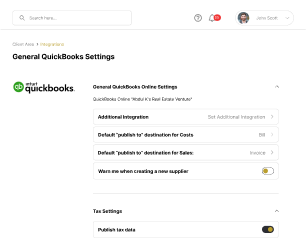
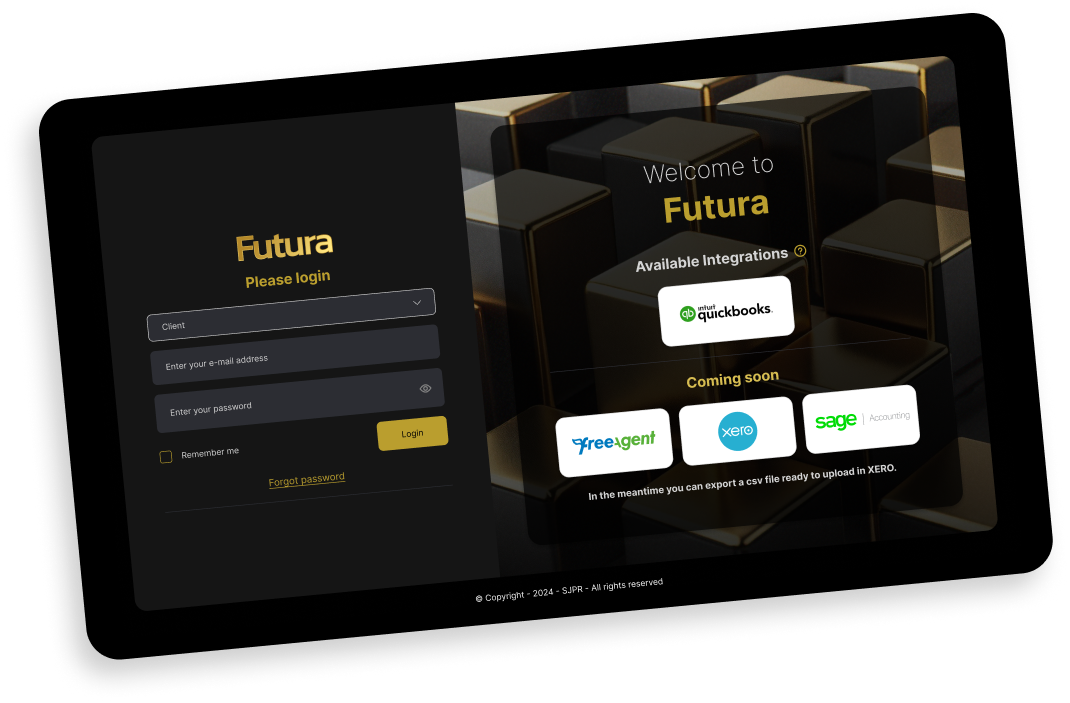
Already using QuickBooks? Futura offers full integration with this platform, allowing you to synchronize data automatically and efficiently. Simplify communication between systems and keep all your financial information centralized and up to date.
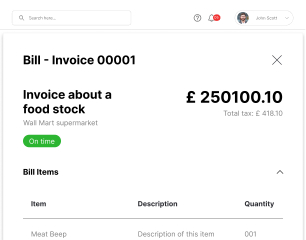
Send multiple invoices and bills by email and let the system automatically capture, register, and manage your documents with ease.
Futura offers much more to simplify your accounting. In addition to features like Catch a Bill, Catch Invoice, and integration with QuickBooks, the app includes a range of additional tools designed to optimize financial management for both individuals and businesses.
With Futura, you choose how to invest in the convenience and efficiency of your accounting. We offer monthly or annual subscriptions tailored to your needs, providing full access to all app features at an affordable price. Choose the annual plan to save even more, or go with the monthly option for greater flexibility. Simplify your financial management without breaking the bank!
If you have questions about how Futura works, we’re here to help! In our Frequently Asked Questions (FAQ) section, you’ll find clear and detailed answers about features, plans, integrations, and more. Visit now and see how Futura can transform your accounting with ease and efficiency!
Futura is a cloud-based accounting and financial document management app developed by SJPR, designed for individuals, freelancers, and businesses of all sizes. It centralises your entire financial document workflow — from creating and sending invoices to capturing supplier bills and storing bank statements — in a single, secure platform.
Here’s how it works in three steps:
Futura uses encrypted cloud storage to keep all your documents secure, accessible, and automatically organised at all times.
Yes — Futura is a fully cross-platform application, available on both mobile (iOS and Android) and desktop (web browser), with a consistent experience across all devices.
Your data is synced in real time via encrypted cloud infrastructure, meaning you can:
There is no need to manually sync or export data between devices — everything updates automatically.
No accounting experience is required. Futura has been designed with an intuitive interface that guides users through every step, regardless of their financial background.
The app handles the complexity for you — including:
If you opt for the Complete Plan, you also gain access to an accountant’s support, proactive advice, business and tax strategy guidance, and online courses — ideal for business owners seeking hands-on professional assistance.
Catch a Bill is one of Futura’s core features that allows you to digitise, organise, and track all your supplier bills and expenses with minimal effort.
All captured bills are securely stored in the cloud and can be retrieved, filtered, and exported at any time.
Futura offers a full, bidirectional integration with QuickBooks, one of the world’s leading accounting platforms. This is particularly useful for businesses and accountants already using QuickBooks as their primary bookkeeping tool.
The integration allows you to:
To enable the integration, connect your QuickBooks account from within the Futura settings panel. For setup assistance, contact our support team at support.sjpr-online.com.
Yes — security is a foundational aspect of Futura’s infrastructure. All financial documents and data stored within the platform are protected using encryption at rest and in transit.
Futura currently offers three plans:
All plans include full access to the Futura app across mobile and desktop.
Yes — you can switch between monthly and annual billing at any time from within your account settings.
For billing queries, contact the support team at support.sjpr-online.com.
Futura offers a promotional introductory rate on the Tech Plan — currently £4.99/month for the first year, which gives new users access to the full feature set at a significantly reduced cost during their first 12 months.
To get started: visit futura.world, click “Get Started Now”, select the Tech Plan, and complete your registration. You can begin using all features immediately upon account activation.
For information about a free trial or demo access, contact the team at futura@sjpr.ae or via the support portal.
Futura’s technical support is available through the following channels:
If you are on the Complete Plan, you have access to dedicated accountant and advisory support as part of your subscription. All issues are handled by the SJPR support team and are typically responded to within one business day.
Yes — Futura provides resources to help you get the most out of the platform:
If you cannot find what you’re looking for, contact the support team at futura@sjpr.ae and they will assist you directly.
If you experience a technical issue with Futura, follow these steps to get it resolved as quickly as possible:
Complete Plan subscribers have access to priority support as part of their package.

© 2024 SJPR - All Right Reserved